
A children’s product prototype can work perfectly in a design studio and still fail when placed in front of a child. The grip may be too large, the controls may not communicate their purpose, the feedback may arrive too slowly, or the child may use the product in a completely unexpected way.
Parents reveal a different set of problems. They may struggle with setup, distrust a material or connected feature, misunderstand the age grading, or decide that the educational value is not clear enough to justify the price.
This is why children’s product prototype testing needs both audiences. Children show whether the product is usable, engaging and appropriate in practice. Parents show whether it is understandable, trustworthy and realistic to purchase, maintain and supervise.
However, user testing is only one part of validation. It cannot replace mechanical reliability testing, formal safety testing or third-party certification. A strong development process combines behavioral observation with engineering and compliance evidence.
This guide explains how to plan, run and analyze prototype tests with children and parents while protecting participants and generating useful design decisions.
What Should Children’s Product Prototype Testing Validate?
The word “testing” can refer to very different activities. Before recruiting families, define exactly what evidence the team needs.
| Validation layer | Main question | Typical methods |
|---|---|---|
| Child usability | Can the intended child understand and operate the product? | Observation, task-based sessions, free exploration and interviews |
| Child engagement | Does the interaction remain meaningful beyond initial novelty? | Repeated play, choice behavior, return behavior and longitudinal trials |
| Parent experience | Can an adult understand, trust, set up and maintain the product? | Setup tasks, concept evaluation, purchase simulation and interviews |
| Engineering reliability | Does the product remain functional under realistic stress? | Drop, impact, pull, torque, compression, cycle and environmental tests |
| Safety and compliance | Does the product meet applicable legal and technical requirements? | Risk assessment and testing by qualified or accredited laboratories |
A single session should not try to answer every question. A study designed to compare two button layouts requires a different prototype and protocol from one intended to evaluate long-term educational value.
Start With a Clear Research Question
Weak testing begins with a broad objective such as “See whether children like it.” Strong testing begins with specific questions that can influence design.
Examples include:
- Can children aged 4–6 identify how to start without adult instruction?
- Can they hold the product securely with one or both hands?
- Do they understand the relationship between their action and the feedback?
- At which step do they ask for help?
- Does the reward encourage another attempt or distract from the learning task?
- Can parents complete setup without assistance?
- Do parents understand when supervision is required?
- Which features create trust or concern?
- Can parents clean, charge and store the product correctly?
Each question should be linked to a possible decision. If the answer would not change the product, protocol or business plan, it probably does not need to be in the study.
Choose the Right Prototype for the Question
The prototype does not need to be fully engineered before user testing. It only needs enough fidelity to generate reliable evidence about the decision being made.
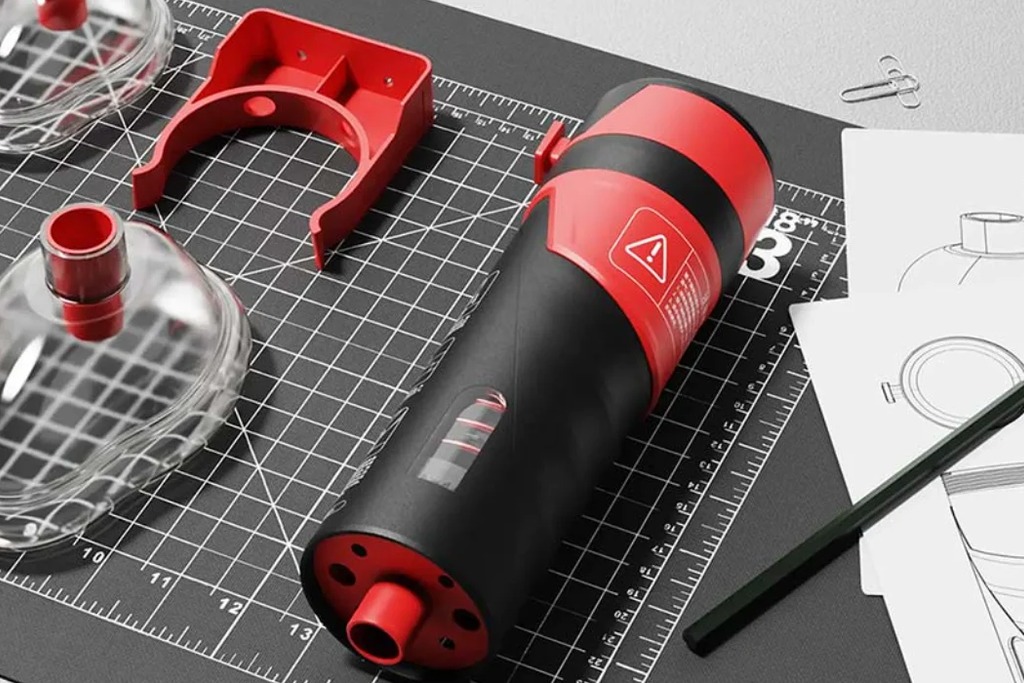
Low-Fidelity Interaction Prototype
Paper controls, foam models, simple role-play and simulated feedback can test size, reach, sequence and basic comprehension. These prototypes are fast to change and ideal for early concept comparison.
Looks-Like Prototype
A visual model can test form, color, perceived age, character appeal and parent expectations. Participants must be told clearly if buttons, doors or screens are not functional.
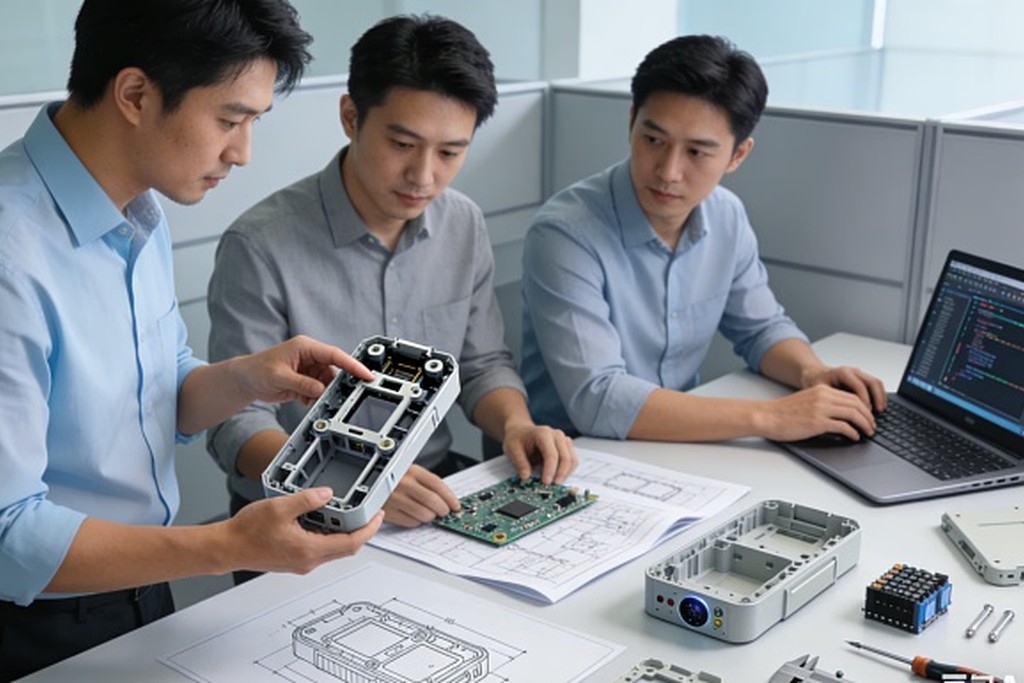
Works-Like Prototype
A functional assembly can test sensing, sound, motion, interaction timing and software logic. Its exterior may not yet represent final production quality.
Integrated Engineering Prototype
A more mature prototype combines production-intent electronics, structure and software. It can support detailed usability, performance and reliability validation before tooling.
Never allow visual realism to hide technical limitations. If a prototype is fragile, uses an exposed development battery or lacks final safety features, the test environment and tasks must prevent children from encountering those risks.
Complete a Safety Gate Before Children Touch the Prototype
Testing with children should not be used to discover obvious hazards. The team must review the prototype before every session.
The safety gate should check:
- Sharp edges, burrs and unfinished surfaces
- Small or detachable parts
- Loose fasteners and exposed mechanisms
- Pinch, shear and entrapment points
- Unstable bases or tipping risk
- Accessible magnets, batteries or electronic components
- Surface temperature
- Electrical insulation and charging conditions
- Excessive sound output
- Long cords, straps or loops
- Materials, adhesives and coatings used in the prototype
- Software states that could activate movement unexpectedly
Any prototype that cannot be made suitable for direct contact should be tested through demonstration, simulation or adult handling instead.
The U.S. Consumer Product Safety Commission explains that use-and-abuse testing for applicable toys and children’s products can include impact, flexure, torque, tension and compression procedures. These tests simulate forces associated with normal use and abuse; they are engineering tests, not permission to expose children to a hazardous prototype. See the CPSC toy safety business guidance.
Recruit Children From the Actual Target Group
Testing only with employees’ children because they are convenient can produce a misleadingly narrow view. Recruit against the intended user definition.
Consider:
- Age and developmental stage
- Hand size, strength and motor ability
- Reading and language ability
- Previous experience with similar products
- Learning or accessibility needs relevant to the concept
- Home language and cultural context
- Whether the child usually plays alone, with siblings or with adults
- The expected use environment
Age bands should be narrow enough to reveal real differences. A product for ages 3–8 may need separate sessions with younger preschoolers, older preschoolers and early school-age children.
Avoid treating one confident child as representative of the whole market. The goal of early qualitative testing is to expose patterns and design risks, not to produce population-level statistics from a small sample.
Include Parents as Participants, Not Just Supervisors
Parents are often present during child testing, but their role should be designed deliberately.
Depending on the research question, a parent may:
- Remain nearby without helping
- Observe from another area
- Complete a parent-child activity
- Set up the product before handing it to the child
- Review instructions, packaging or privacy information
- Evaluate cleaning, charging and storage
- Discuss purchase expectations and perceived value
Parent behavior can change child behavior. A parent may automatically explain a control, correct a mistake or encourage the child to continue. If independent use is being tested, the moderator should explain that the parent should not help unless asked to do so.
When parent-child interaction is part of the product value, interference is not a problem—it is the behavior being studied.
Obtain Parent Permission and Child Assent
A parent’s agreement does not mean the child should be pressured to participate. Children need a simple, age-appropriate explanation of what will happen and must be free to stop.
In regulated human-subject research, specific legal and institutional requirements may apply. U.S. Department of Health and Human Services guidance distinguishes parental permission from child assent and defines assent as the child’s affirmative agreement—not merely a failure to object. Although a commercial usability session may fall under a different legal framework, this distinction is a useful ethical standard. See the HHS guidance on research with children.
Before a session:
- Explain the purpose and activities to the parent.
- Identify foreseeable discomforts or risks.
- Explain recording, storage and use of data.
- State whether images or quotes may be used externally.
- Explain compensation without making it coercive.
- Tell the child in simple language what they will do.
- Make clear that there are no wrong answers.
- Tell both parent and child that they can pause or leave.
- Confirm the child’s willingness before beginning.
UNICEF’s current ethics policy for evidence activities involving people emphasizes children’s best interests, meaningful consent or assent, safeguarding, confidentiality, privacy and responsible data management. These principles provide a strong baseline for any team working directly with children. See the UNICEF policy overview.
If the test involves health conditions, sensitive personal data, schools, therapeutic claims or more than minimal risk, obtain qualified legal and ethics guidance and determine whether formal institutional review is required.
Create a Child-Friendly Test Environment
The test space should feel safe and calm without becoming so entertaining that it competes with the prototype.
Prepare:
- Age-appropriate seating and table height
- Space for movement if the product requires it
- A parent seating position defined by the protocol
- Limited visual and audio distractions
- Safe cable routing and protected equipment
- Drinking water and scheduled breaks
- Cleaning supplies between sessions
- A separate area for parent questions if needed
- A clear route for leaving the room
Keep the research team small. A room filled with observers can make children quiet, performative or anxious. Remote observers should be introduced honestly, and recording devices should never be hidden.
The moderator should be comfortable speaking with children, recognizing discomfort and adjusting language without leading the participant.
Build a Session Around Observation
Children may tell adults what they think the adult wants to hear. “Did you like it?” often produces a polite “yes” even when behavior shows confusion or disengagement.
Observation provides stronger evidence.
Begin With Free Exploration
Place the product in front of the child and ask what they think it is or what they would do first. Do not immediately demonstrate the intended sequence.
Watch for:
- First point of attention
- Initial grip and orientation
- Controls they try first
- Assumptions based on shape, icons or color
- Whether they wait for instructions
- Repeated actions
- Attempts to open, pull, twist or insert something
Free exploration reveals the product’s natural affordances and predictable misuse.
Use Neutral Tasks
Ask the child to achieve an outcome rather than telling them which control to use.
Better prompt:
“Can you make the character play the next story?”
Leading prompt:
“Press the blue button to play the next story.”
If the moderator gives away the interaction, the team learns only that the child can follow an instruction—not that the design communicates its purpose.
Allow Productive Struggle, but Set a Limit
A short hesitation can reveal problem-solving and recoverability. Extended frustration provides little additional value and may harm the participant’s confidence.
Define assistance levels before the session:
- No assistance
- General encouragement
- Verbal hint
- Gesture toward the relevant area
- Direct instruction or demonstration
Record the minimum assistance required. This creates more comparable evidence than helping whenever the moderator feels uncomfortable.
Ask Concrete Follow-Up Questions
Instead of abstract questions, ask about a recent action:
- “What did you think would happen?”
- “How did you know it was ready?”
- “What would you do next?”
- “Show me the part that was difficult.”
- “What do you think this light means?”
- “If you could change one thing, what would it be?”
Younger children may communicate more effectively by pointing, demonstrating, sorting options or drawing than by explaining verbally.
Adapt the Method to the Child’s Age
| Age range | Session approach | Moderator considerations |
| 0–3 | Very short observation with caregiver involvement; focus on reach, grip, sensory response and natural behavior | Use simple language, prioritize safety and rely heavily on behavior rather than verbal answers |
| 3–6 | Short tasks, play-based prompts, visual choices and frequent breaks | Avoid abstract questions; use demonstrations only after independent attempts |
| 6–12 | Structured tasks, comparison activities and more detailed reflection | Respect growing independence; avoid childish language and ask for reasoning after actions |
These ranges are not rigid. Session length and communication should reflect the individual child’s comfort, ability and needs.
A Practical 45-Minute Test Session
The schedule below can be shortened for younger children.
| Stage | Approximate time | Purpose |
| Welcome and assent | 5 minutes | Build comfort, explain the activity and confirm willingness |
| Warm-up | 3 minutes | Use a neutral question or familiar object to establish conversation |
| Free exploration | 5 minutes | Observe first impressions and natural interaction |
| Core tasks | 12 minutes | Test priority workflows without leading the child |
| Break or change of activity | 3 minutes | Reduce fatigue and reset attention |
| Repeat or challenge task | 7 minutes | Test learning, recovery or progressive difficulty |
| Parent-child or parent-only task | 5 minutes | Evaluate setup, explanation or shared use |
| Short interview | 3 minutes | Clarify behavior and preferences |
| Closing | 2 minutes | Thank participants and end positively |
Do not force the schedule when a child is tired, uncomfortable or no longer interested. Ending early is a valid session outcome.
What to Test With Parents
Children and parents evaluate different value propositions. Parent testing should extend beyond asking whether they would buy the product.
Product Understanding
- Who do they think the product is for?
- What benefit do they expect?
- Can they identify the appropriate age?
- What supervision do they assume is required?
- Does the product appear educational, recreational or both?
Setup and First Use
- Can they assemble, charge or pair it?
- Do they understand indicators and error messages?
- Which instructions do they read or ignore?
- Can they create an account and manage permissions?
- Can they hand the product to the child in a ready state?
Trust and Safety
- Which materials and construction details create confidence?
- Do batteries, magnets, cameras, microphones or connectivity create concern?
- Is the product easy to inspect for wear?
- Are warnings specific and understandable?
- Do they know what to do if the product is damaged?
Maintenance
- Can they clean all child-contact surfaces?
- Can they charge and store it safely?
- Are accessories likely to be lost?
- Do they understand replacement and disposal?
- Can the product survive the expected household routine?
Value and Purchase Decision
- Is the educational benefit clear without explanation from the designer?
- Which feature justifies the price?
- Does the product solve a repeated need or only create novelty?
- What alternatives would they compare it with?
- Would subscriptions or replacement content change the decision?
Purchase questions are more useful when grounded in a realistic concept, expected price range and alternatives.
Protect Children’s Data During Prototype Testing
Video, voice, photos, names, ages, behavior logs and app accounts can all become personal data. Collect only what the research question requires.
Create a data plan covering:
- What will be collected
- Why each data type is necessary
- Who can access it
- Whether vendors receive it
- How files are secured
- Whether faces or voices will be anonymized
- How long data will be retained
- How parents can request access or deletion
- Whether any material may be used in marketing
Research consent is not automatically marketing consent. If the business wants to publish a photograph, video or quote, request separate, specific permission.
If a connected prototype collects personal information online from children under 13, COPPA may apply depending on the service and circumstances. The Federal Trade Commission states that COPPA covers certain child-directed websites and online services and certain general-audience services with actual knowledge that they collect personal information from children under 13. Review the FTC COPPA guidance and obtain qualified advice before activating data collection.
A safer early prototype can often use local processing, temporary test accounts and synthetic data instead of real child profiles.
Define Metrics Before the First Session
Qualitative research still benefits from consistent measurement.
Useful child metrics include:
- Independent task completion
- Completion with assistance
- Time to first correct action
- Number and type of errors
- Repeated failed actions
- Help requests
- Recovery after an error
- Correct interpretation of feedback
- Voluntary repetition
- Engagement duration
- Attempts at foreseeable misuse
Useful parent metrics include:
- Setup completion
- Time to ready state
- Instruction errors
- Correct understanding of age and supervision
- Ability to clean or maintain the product
- Trust rating with explanation
- Perceived educational value
- Purchase barriers
Avoid reducing the study to a single satisfaction score. A child can enjoy a product while misunderstanding its learning task, and a parent can appreciate the concept while being unable to set it up.
Separate Observation From Interpretation
Researchers often jump directly from behavior to solution.
Weak note:
The button is too small. Make it bigger.
Better evidence chain:
- Observation: Four of six children pressed the surrounding surface before locating the start control.
- Context: The control had low contrast and no tactile boundary.
- Interpretation: The start action may not be visually or physically discoverable.
- Design options: Increase contrast, add a raised boundary, reposition the control or change the startup sequence.
- Retest: Compare revised concepts with the same task.
This process prevents the team from locking onto the first explanation.
Prioritize Findings by Severity and Frequency
Use a simple decision matrix.
| Severity | Meaning | Typical response |
| Critical | Potential safety, privacy or compliance risk | Stop testing the affected function and redesign immediately |
| High | Prevents task completion or creates repeated distress | Resolve before the next major validation round |
| Medium | Causes hesitation, assistance or inconsistent use | Explore design alternatives and retest |
| Low | Preference or minor polish issue | Consider after core interaction is stable |
Frequency matters, but one critical hazard should not be ignored because only one participant encountered it. Conversely, a common color preference may have little impact on usability or safety.
Test in Iterative Rounds
One large study near tooling is less useful than several focused rounds throughout development.
Round 1: Concept and Affordance
Use simple models to compare form, control placement and interaction logic.
Round 2: Functional Experience
Test sensing, feedback, task sequence, educational logic and error recovery.
Round 3: Integrated Prototype
Evaluate realistic size, weight, acoustics, software, caregiver setup and longer sessions.
Round 4: Production-Intent Validation
Confirm usability with final materials, assembly, instructions, packaging and software. Run engineering and compliance testing in parallel according to the validation plan.
Each round should close with documented decisions, owners and retest criteria.
User Testing Does Not Replace Compliance Testing
A child may use a prototype without incident during a supervised session. That does not prove the product is safe.
In the United States, toys intended primarily for children 12 and under generally require third-party testing by a CPSC-accepted laboratory and certification in a Children’s Product Certificate for applicable children’s product safety rules. The exact requirements depend on product classification and features. See the CPSC toy safety FAQ.
Formal testing evaluates defined hazards and test methods under controlled conditions. User testing evaluates behavior, comprehension and real-world interaction. Both are necessary, and findings from one should inform the other.
For example:
- Children repeatedly pull an accessory, so engineering increases the pull-test priority.
- Parents clean a product differently from the instructions, so chemical and ingress validation is reviewed.
- Children place the speaker close to the ear, so acoustic testing covers that position.
- A child can access a setup screen, so privacy and permission controls are redesigned.
OPD provides end-to-end children’s product design and development services, including product strategy, age-based user research, industrial design, mechanical and electronic engineering, functional prototyping, usability validation, compliance planning and mass-production support. By integrating child observation, parent feedback and engineering evidence, product teams can create safer, clearer and more commercially credible experiences.